GUI
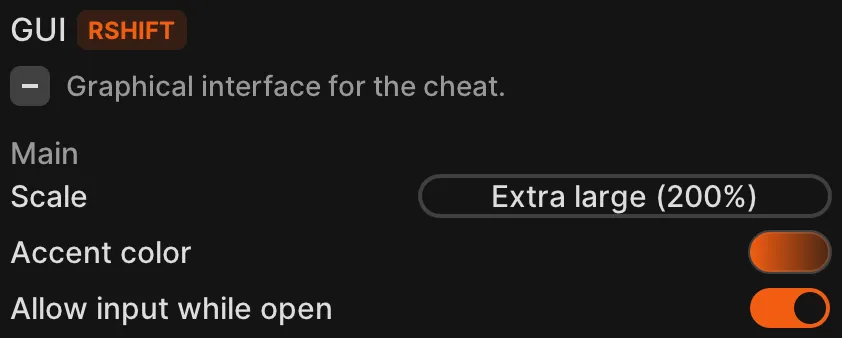
GUI lets you configure the cheat menu.
Controls the rendering scale factors. This settings affects the menu, but also notifications, mod overlay and 2D Player ESP.
Accent color
Section titled “Accent color”Specifies the color used as accent in the GUI, which is orange by default.
Allow input while open
Section titled “Allow input while open”If enabled, you will be able to move around in-game while the menu is open.
Layout
Section titled “Layout”Compact
Section titled “Compact”Hides descriptions for modules and profiles. This allows fitting more modules on your screen at once.
Allows the menu to use more horizontal screen space. Especially useful for people using 4K monitors.